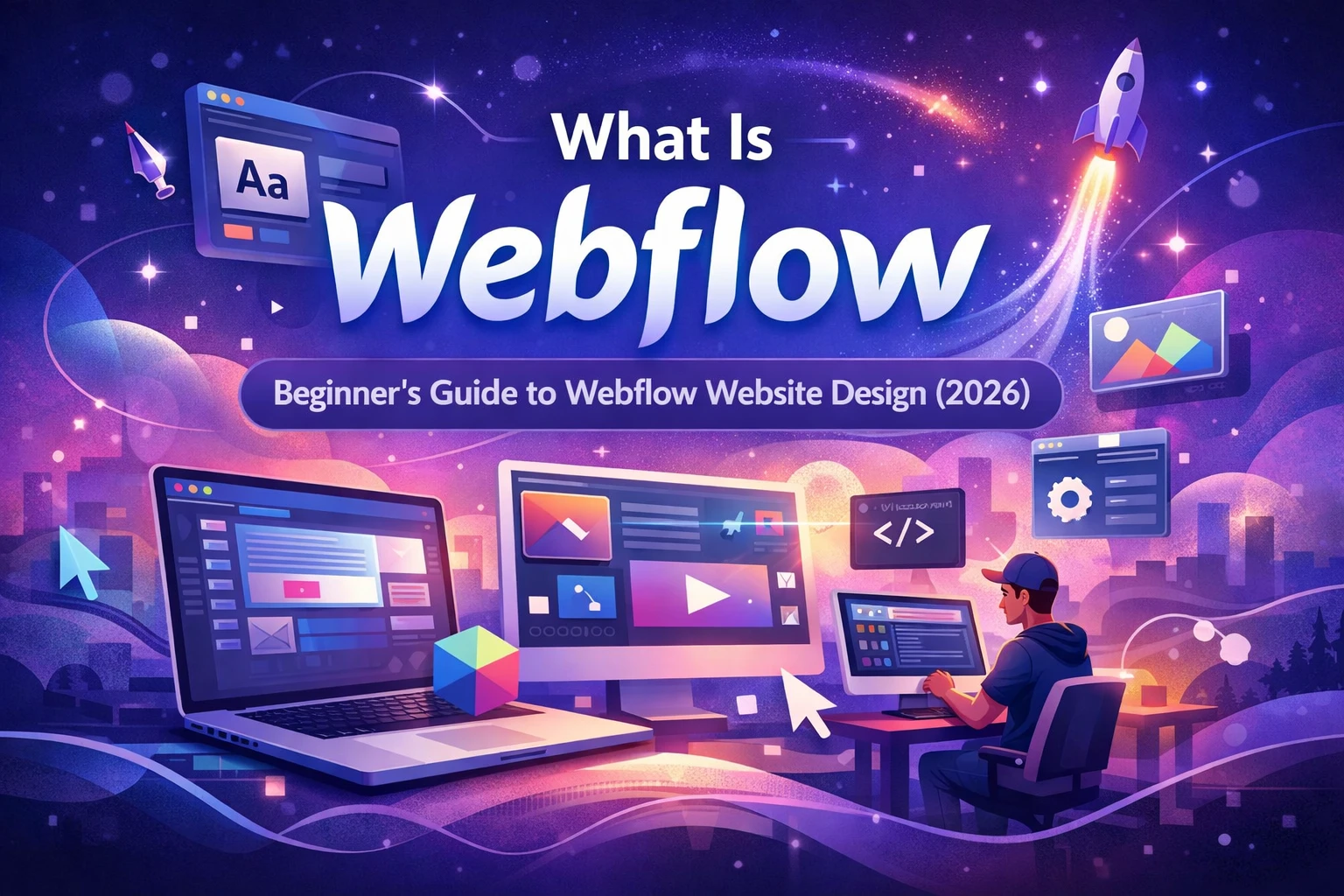

If you’re new to website building, you may be wondering what Webflow is and why so many designers, developers, and businesses are switching to it. Webflow is a modern website design and development platform that allows you to build professional, high-performing websites without relying on traditional coding-heavy workflows.
In this beginner’s guide, you’ll learn what Webflow is, how it works, its key features, pros and cons, SEO capabilities, pricing, and who should use it.
What Is Webflow?
Webflow is a visual web design and development platform that lets you design, build, and launch fully responsive websites using a visual interface—while still generating clean HTML, CSS, and JavaScript in the background.
Unlike traditional website builders, Webflow gives you full design control similar to hand-coded websites, without needing to write code manually. This makes it popular among:
- Web designers
- Freelancers and agencies
- Startups and SaaS companies
- Businesses that want fast, scalable websites
How Does Webflow Work?
Webflow works by combining design, development, and hosting into one platform.
Here’s how the workflow looks:
- Design visually using the Webflow Designer
- Structure content with Webflow CMS
- Add interactions and animations
- Optimize for SEO
- Publish directly to Webflow hosting or export code
Everything you build visually is translated into clean, production-ready code automatically.
Key Features of Webflow
1. Visual Designer
Webflow’s visual designer gives you pixel-level control over layout, typography, spacing, and responsiveness—similar to working with HTML and CSS, but visually.
2. Webflow CMS
The Webflow CMS allows you to create dynamic content such as blog posts, portfolios, case studies, and product listings without plugins.
3. Responsive Design
Webflow makes it easy to design websites that work perfectly across desktops, tablets, and mobile devices using breakpoints.
4. Interactions & Animations
You can create advanced animations, scroll effects, and micro-interactions without JavaScript.
5. Built-in SEO Tools
Webflow includes:
- Custom meta titles and descriptions
- Clean semantic code
- Automatic sitemaps
- 301 redirects
- Fast global CDN hosting
6. Secure Hosting
Webflow provides fast, secure hosting with SSL, DDoS protection, and automatic backups.
Is Webflow Good for SEO?
Yes, Webflow is very SEO-friendly when built correctly.
Webflow SEO benefits include:
- Clean HTML structure
- Fast page load speed
- Full control over on-page SEO
- Schema-friendly markup
- Mobile-first performance
Many businesses rank successfully on Google using Webflow without relying on SEO plugins.
Webflow vs WordPress (Quick Comparison)
| Feature | Webflow | WordPress |
|---|---|---|
| Design Control | Full | Theme-dependent |
| Performance | Very Fast | Depends on plugins |
| Security | Built-in | Plugin-based |
| Maintenance | Low | High |
| SEO Control | Built-in | Plugin required |
Webflow is ideal for custom, performance-focused websites, while WordPress is better for plugin-heavy projects.
How Much Does Webflow Cost?
Webflow offers site plans and workspace plans.
- Basic Plan: For simple static sites
- CMS Plan: For blogs and dynamic content
- Business Plan: For high-traffic websites
- Ecommerce Plans: For online stores
Pricing depends on traffic, CMS items, and features. For most businesses, the CMS plan is sufficient.
Pros and Cons of Webflow
Pros
- No plugins required
- Clean, exportable code
- Excellent performance
- Built-in SEO tools
- Visual development freedom
Cons
- Learning curve for beginners
- Monthly cost
- Limited native ecommerce features
Who Should Use Webflow?
Webflow is perfect for:
- Businesses that want a fast, professional website
- Designers who want full creative control
- Agencies building scalable client websites
- Startups and SaaS companies
It may not be ideal if you rely heavily on third-party plugins or complex backend logic.
Can Beginners Learn Webflow?
Yes. While Webflow has a learning curve, Webflow University provides free, high-quality tutorials that make learning much easier for beginners.
With consistent practice, beginners can build real websites within weeks.
Final Thoughts
Webflow is a powerful platform that bridges the gap between design and development. If you want full control, excellent performance, and SEO-ready websites without managing plugins or servers, Webflow is an excellent choice.
Need Help with a Webflow Website?
If you’re looking for a professional Webflow website design or development service, feel free to get in touch.
👉 Contact us today to build a fast, SEO-optimized Webflow website for your business..